General settings
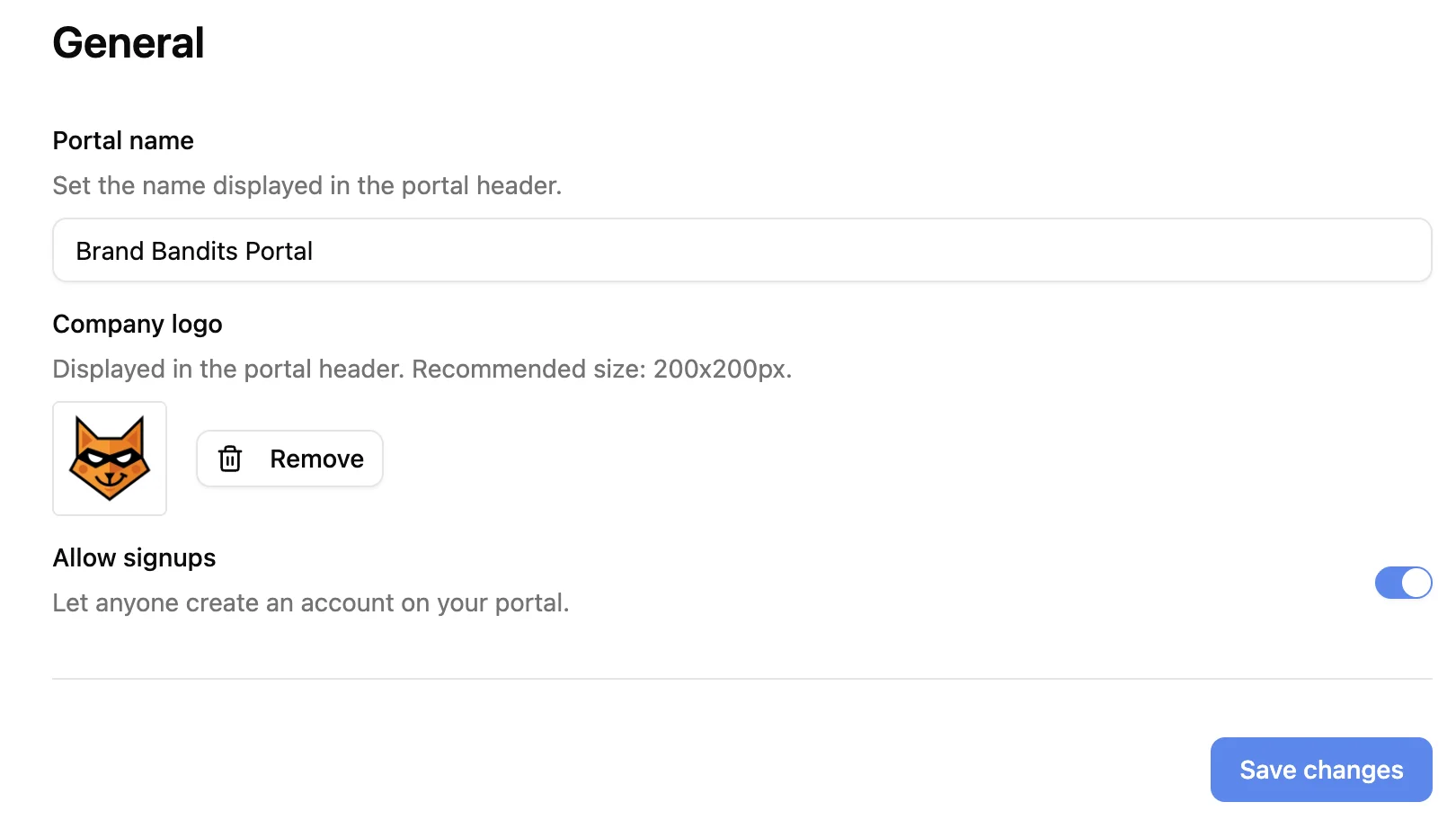
The General settings page lets admins configure the core identity of their portal: name, logo, and signup behavior. To access it, go to Admin > General.
Portal name
The portal name is displayed in the portal header and when a portal user sign in/sign up. Update it at any time from this page.
Company logo
Upload a logo to display in the portal header. Recommended size: 200x200px. Use Remove to clear the current logo.
Allow signups
Toggle this on to let anyone create an account on your portal via email. Toggle it off to restrict access to pre-approved users only.
For the full behavior - how signups interact with public tabs, the OTP login flow, and Notion user sync - see the Authentication & public portals documentation.
Changing your portal URL
The portal URL (e.g. acme.portal.getslap.co) is set when the portal is created and cannot be changed from the General settings page. If you need to update it, contact us at hello@getslap.co.