Step 1 of 14
Take the interactive tour
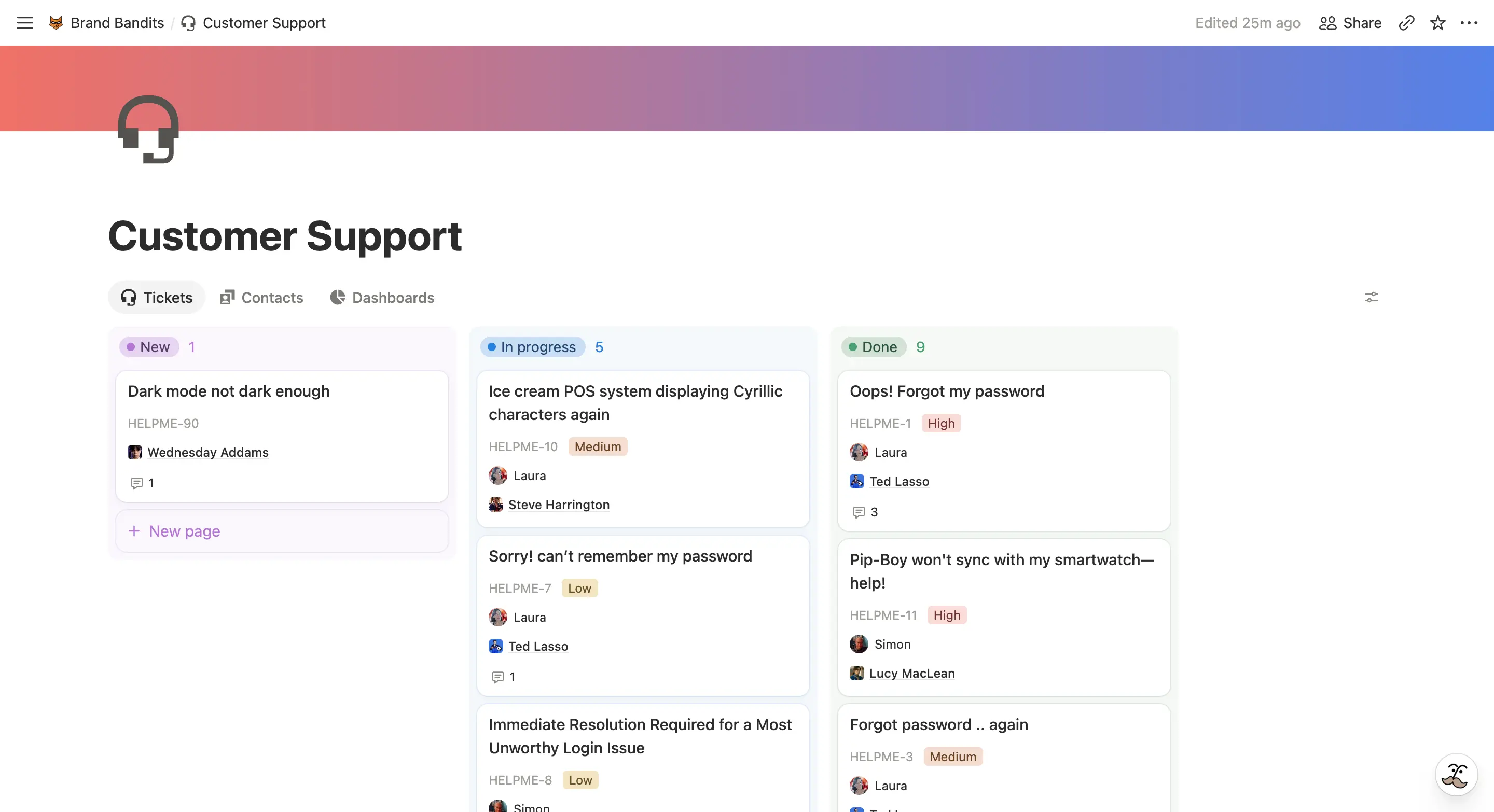
This is a guided demo of SlapMail in a Notion support workspace. Let’s handle a customer request together, from the incoming email to a resolved ticket.
SlapMail automatically syncs your support emails into Notion and organizes them as tickets. Manage all customer conversations in one place without switching tools.
Step 1 of 14
Take the interactive tour
This is a guided demo of SlapMail in a Notion support workspace. Let’s handle a customer request together, from the incoming email to a resolved ticket.
Step 2 of 14
A user just emailed support. The ticket appears instantly in Notion, straight from the support inbox. No forwarding needed.
Step 3 of 14
The user has a request about dark mode.
Step 4 of 14
Before replying, let’s check who the customer is. SlapMail has automatically linked their profile to the ticket.
Step 5 of 14
A look at the customer’s profile gives us some background before we handle the request. No need to ask a teammate or search a separate CRM.
Step 6 of 14
Let’s assign this one to Laura, so the rest of the team knows who’s handling the reply.
Step 7 of 14
Need a teammate’s input before replying? Mention them in a comment starting with #, so the discussion stays internal. The customer won’t receive it.
Step 8 of 14
Our colleague seems to agree. Let’s create a task for the improvement.
Step 9 of 14
Let’s turn this feedback into a product task, without leaving the support ticket.
Step 10 of 14
The task is now linked to the ticket. Whoever picks it up can go back to the original request. Support and product work stay connected in Notion.
Step 11 of 14
We’ve replied from Notion, and SlapMail has sent the answer to the customer by email.
Step 12 of 14
With the request handled, let’s check how support is doing. These charts use the same ticket data, with no separate report to maintain.
Step 13 of 14
Let’s return to the board and see what’s next for the team.
Step 14 of 14
Try this workflow with your own support inbox.
Set it up yourself, or get help connecting your inbox and support workspace.
Testimonials

Since implementing Slap, we’ve reduced the time spent on customer support by roughly 80%, which is huge for us as a scale-up. Slap is simple, flexible, and works especially well if you’re already email- or Notion-based. Because it builds on Notion’s flexibility, you can design workflows exactly the way you need them.
Thibaut Santermans
Co-founder & COO at Uma Health
Slap consolidates all our support and sales conversations in Notion, ensuring full transparency across teams and giving management a clearer overview. Most importantly, this allowed us to completely discontinue HubSpot and significantly reduce tooling costs.
With Slap, support requests are automatically centralized in Notion - we can address them quickly, in context of their project and leverage Notion AI for additional optimizations. I have the assurance that scaling up won’t create additional stress: we’re ready.
Ulrich Fischer
CEO at Memoways
Features
No forwarding required. Customer emails appear in your Notion ticketing database instantly, automatically.
Respond to customers directly from Notion. No tab-switching, no context loss.
Your entire support team can see tickets, assign conversations, and reply. Full context, zero forwarding.
Automatically connect each ticket to the customer's contact page in Notion. See their complete support history at a glance.
Build custom dashboards to monitor response times, ticket volume, resolution rates, and team performance.
Setup
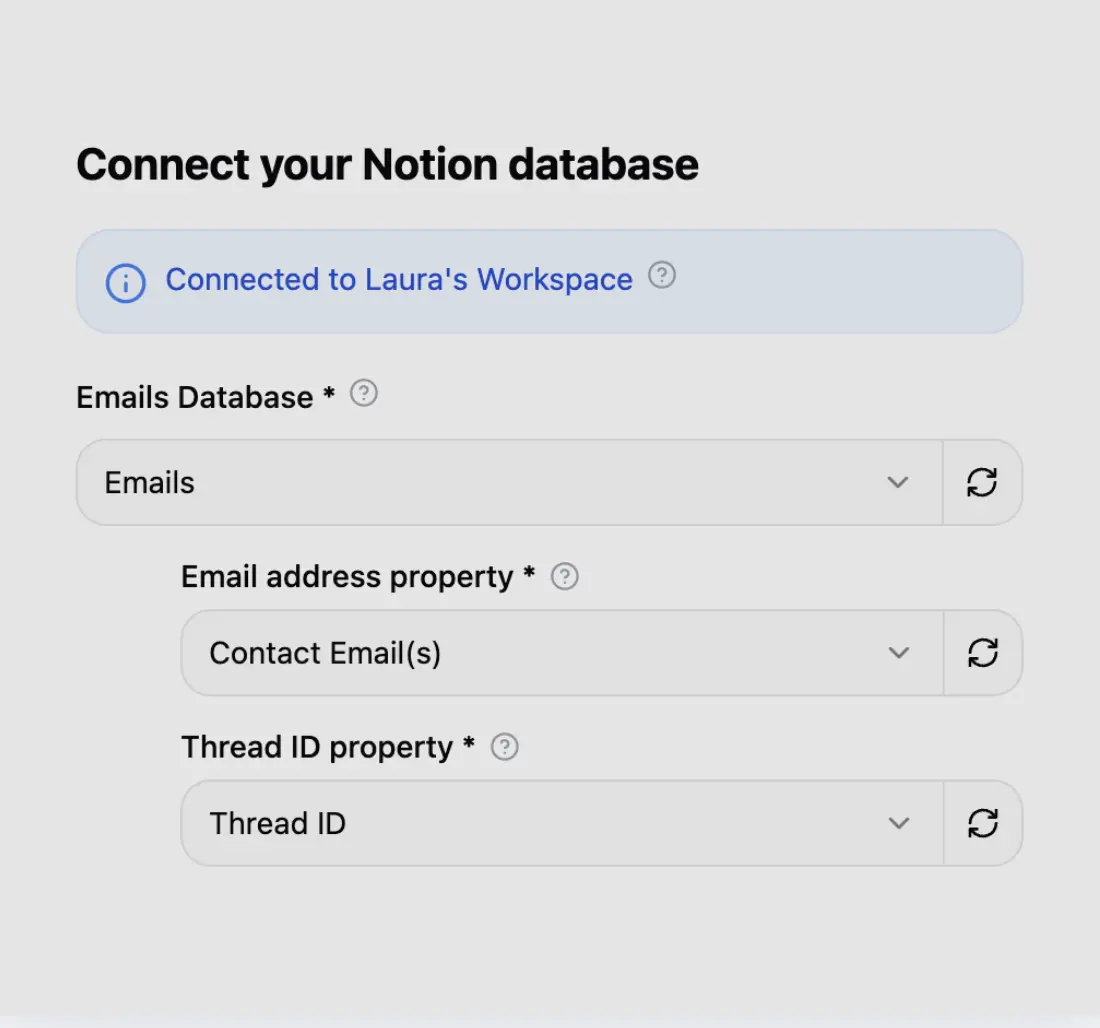
Connect your Notion workspace in seconds and choose in which database you want to send your emails.
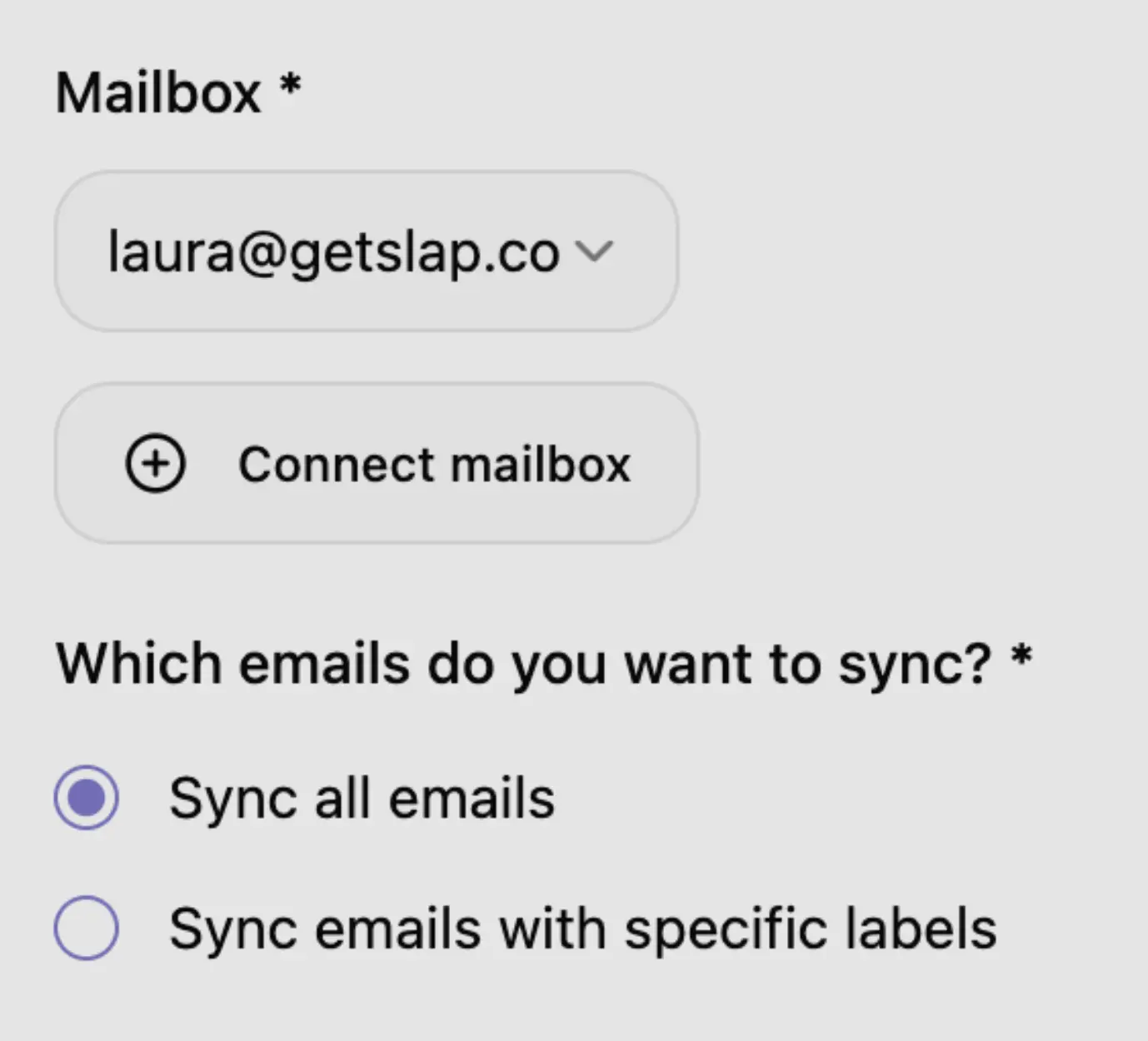
Connect your Gmail or Outlook mailbox in 2 clicks. You can choose to sync all your emails or only specific labels.

Send a new email and see it appearing in Notion in a few seconds.
Free template
Don’t want to start from scratch? Our ready-to-use Notion customer support template includes tickets and contacts databases, automated performance metrics, charts, and pre-built views for your team. Get our free template.

Pricing
FAQ
If you don’t find your answer here, please feel free to reach out at hello@getslap.co
Connect your support inbox now, and watch tickets appear automatically in Notion.